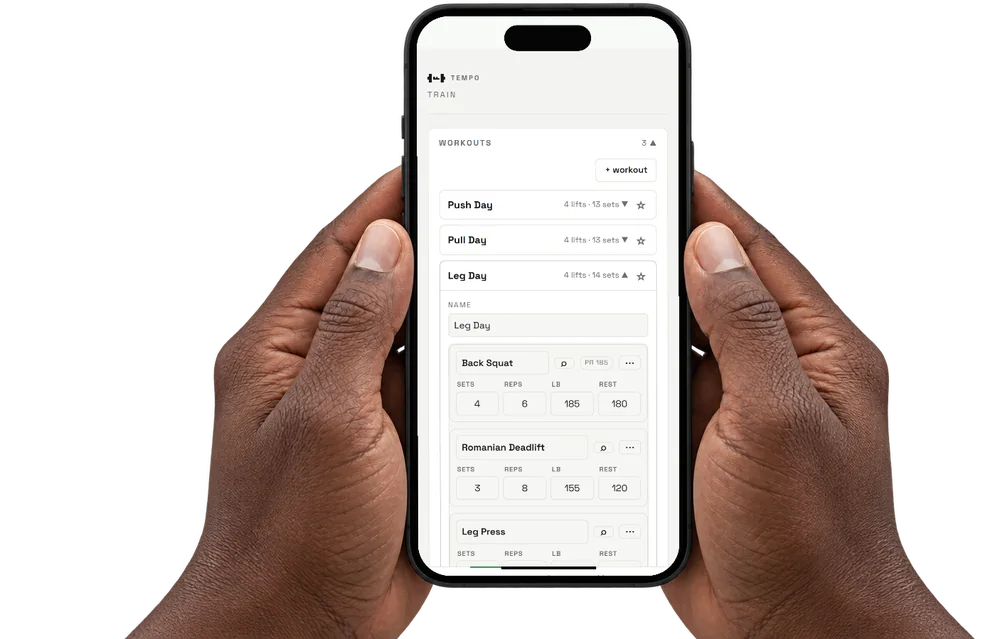
 COMPOSITE
Write the plan.
Plans, schedules and a calendar for your training.
STRENGTH TRAINING · EVEN REALITIES G2
TEMPO brings your plan and rest clock to Even Realities G2. One click logs the set. Your phone authors the plan. The ANVIL, in development, measures reps on the barbell sleeve.
Android beta · iOS soon · also in your browser · no account needed to train
BETWEEN SETS
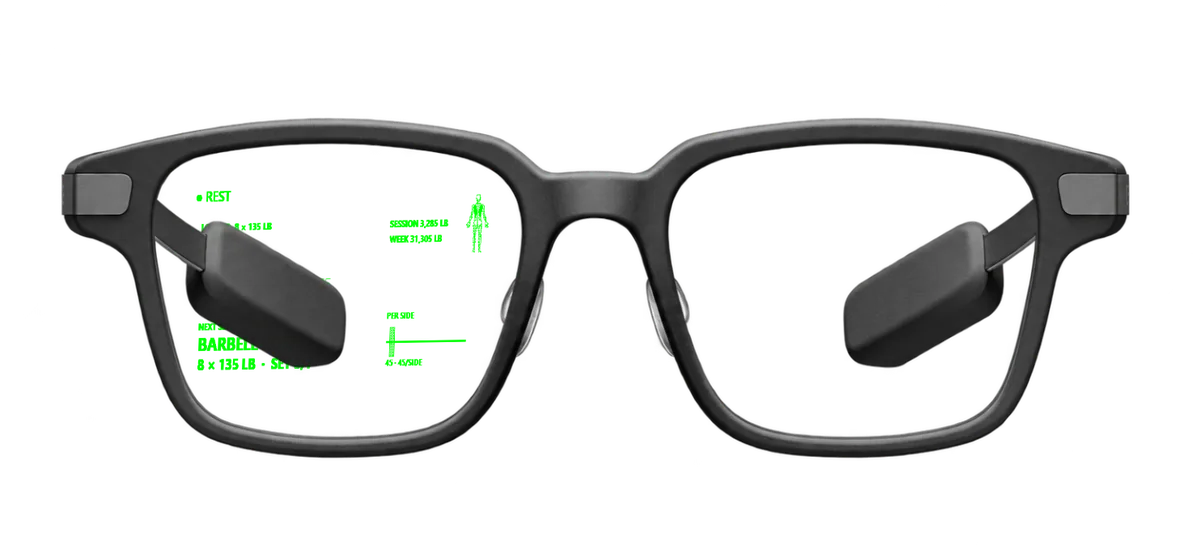
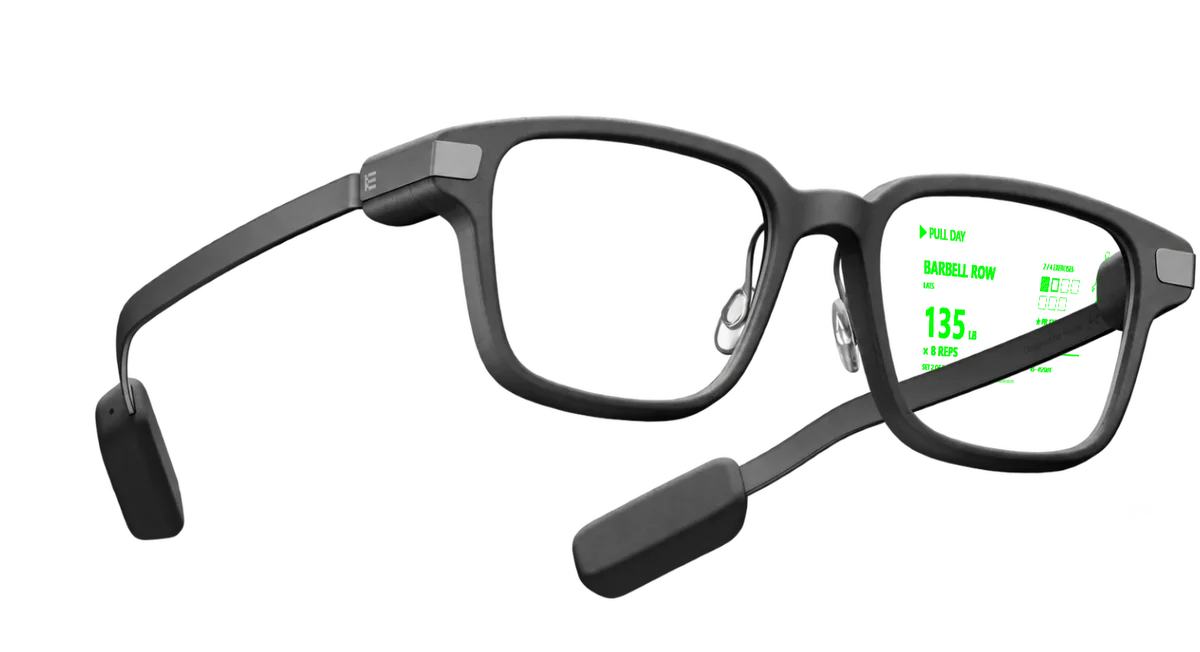
The plan sits in your peripheral vision: the lift, weight × reps, set squares and rest countdown. The next set stays in view.
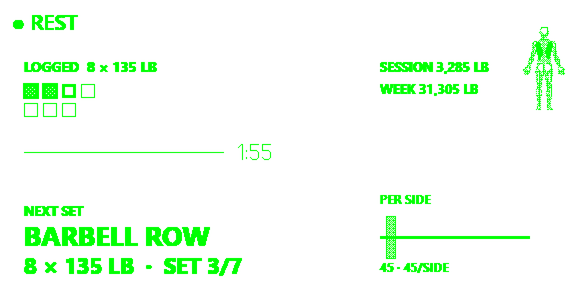
GLASSES APP · LIVE ON EVEN HUB
The pages are drawn, not typed. Your lift, weight × reps, set squares and rest countdown sit in your peripheral vision between sets.
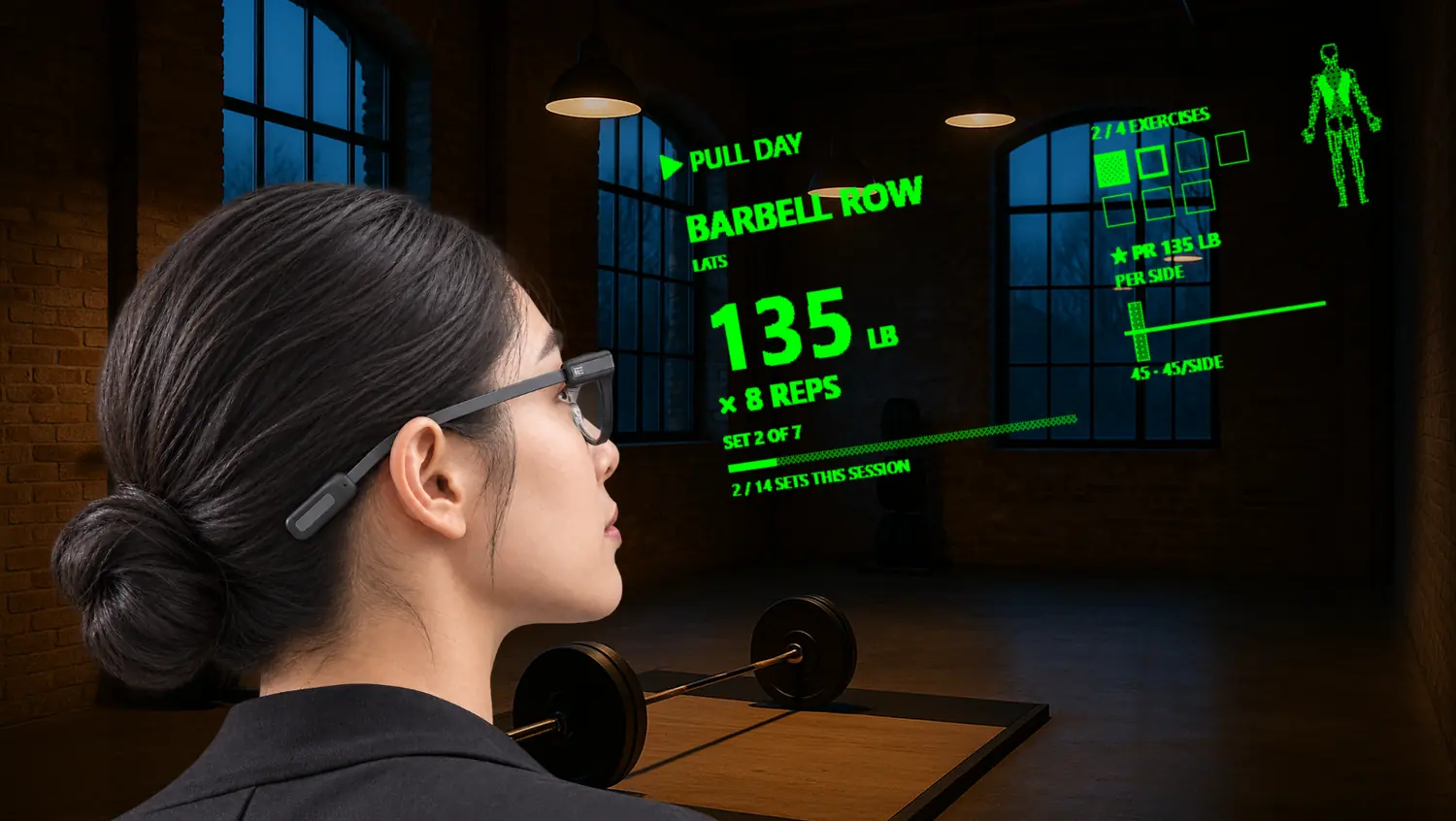 COMPOSITEBERLIN
The lift, weight × reps and sets left. The next set, already in view.
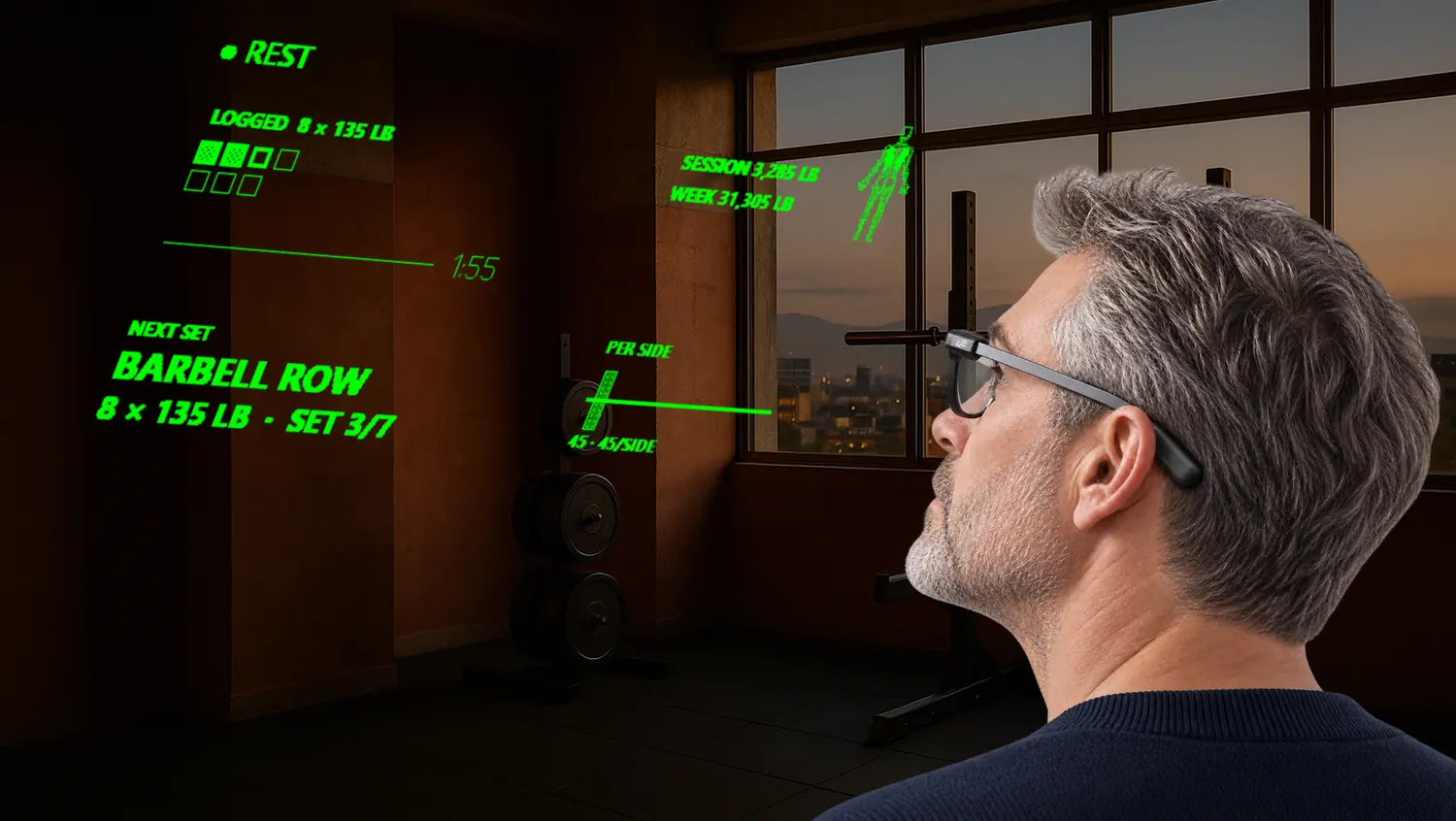 COMPOSITEMEXICO CITY
One click on the temple logs the set and starts the rest clock.
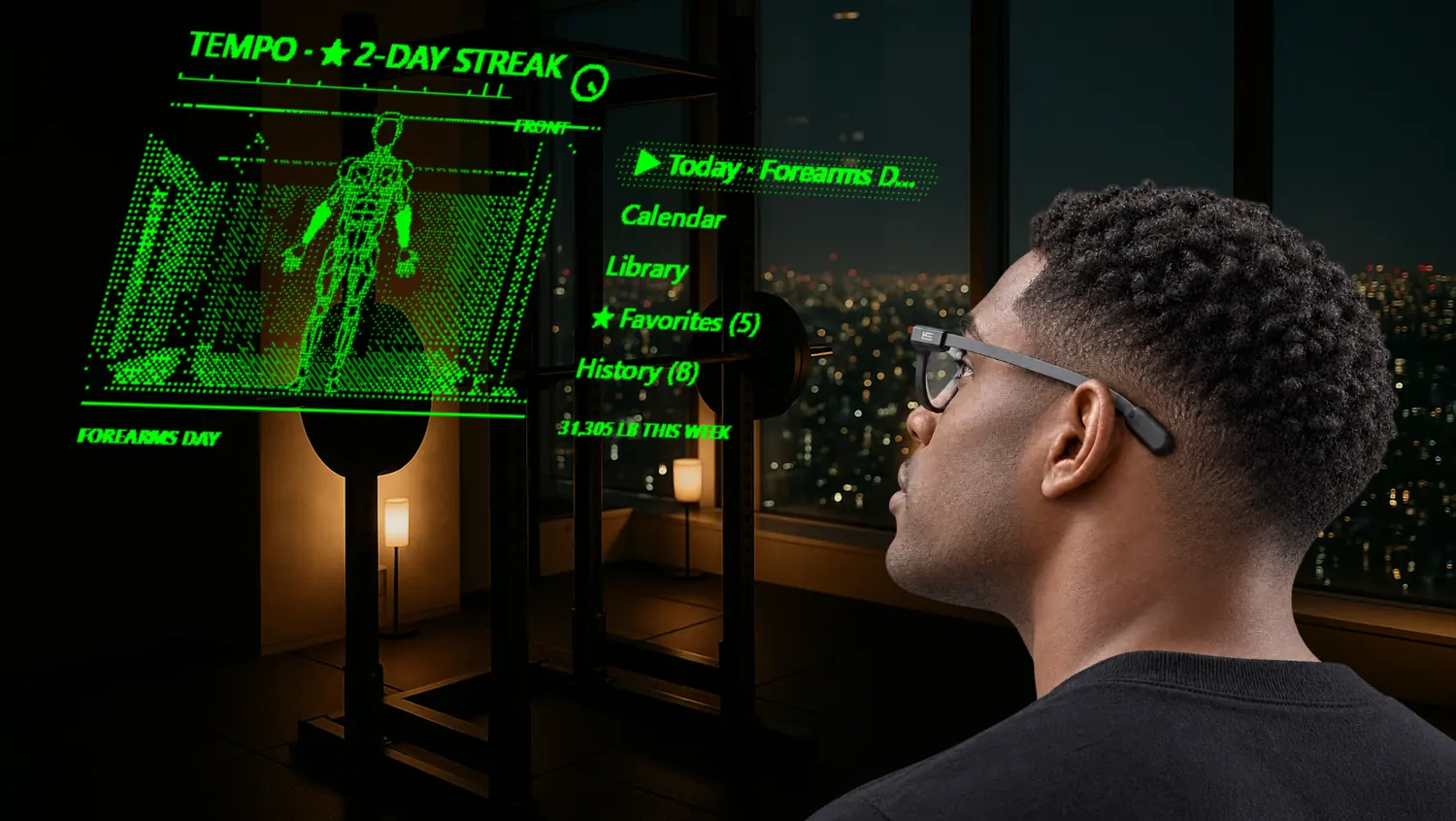 COMPOSITETOKYO
The working muscles light on the anatomy figure in your glasses.
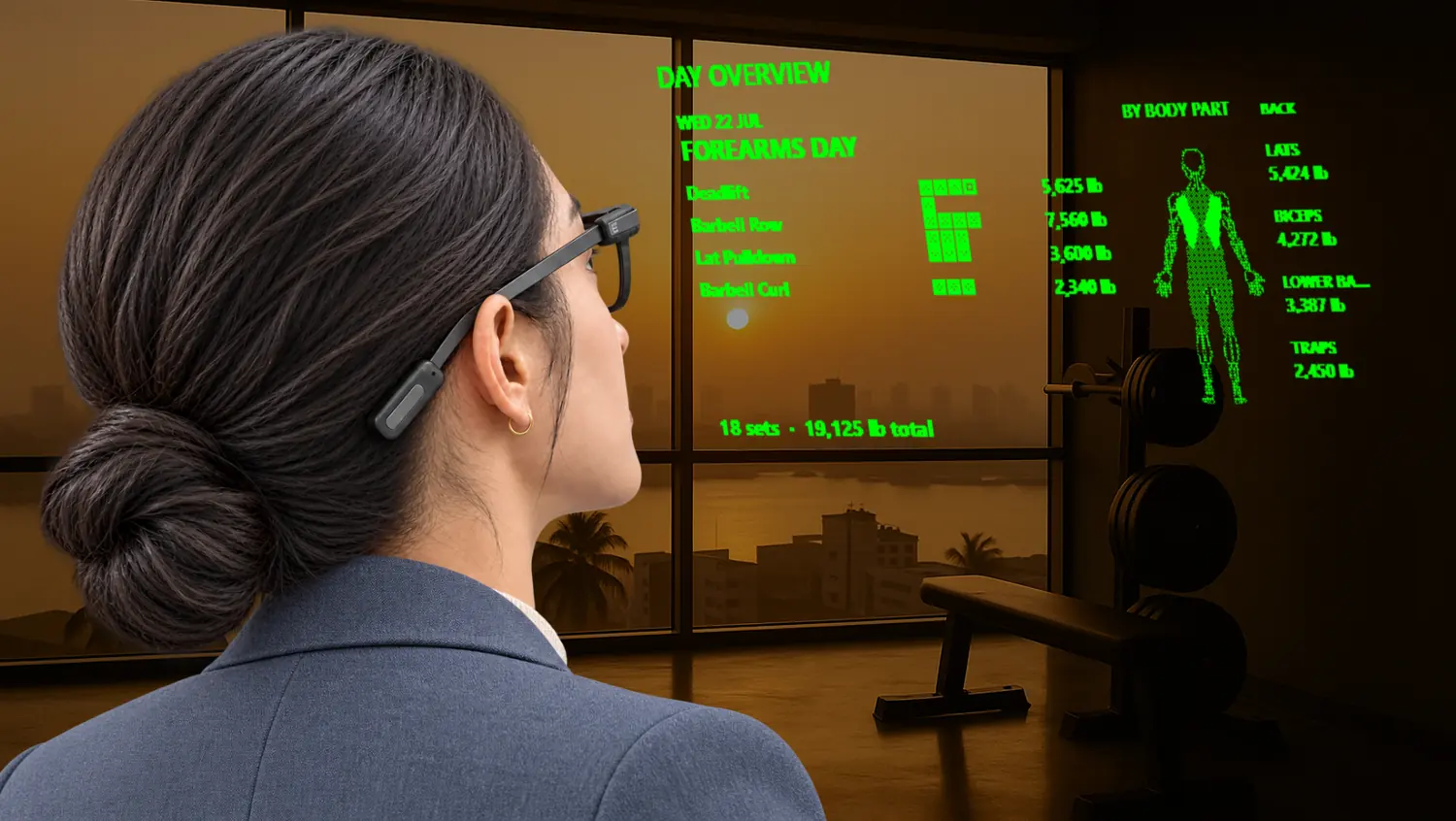 COMPOSITELAGOS
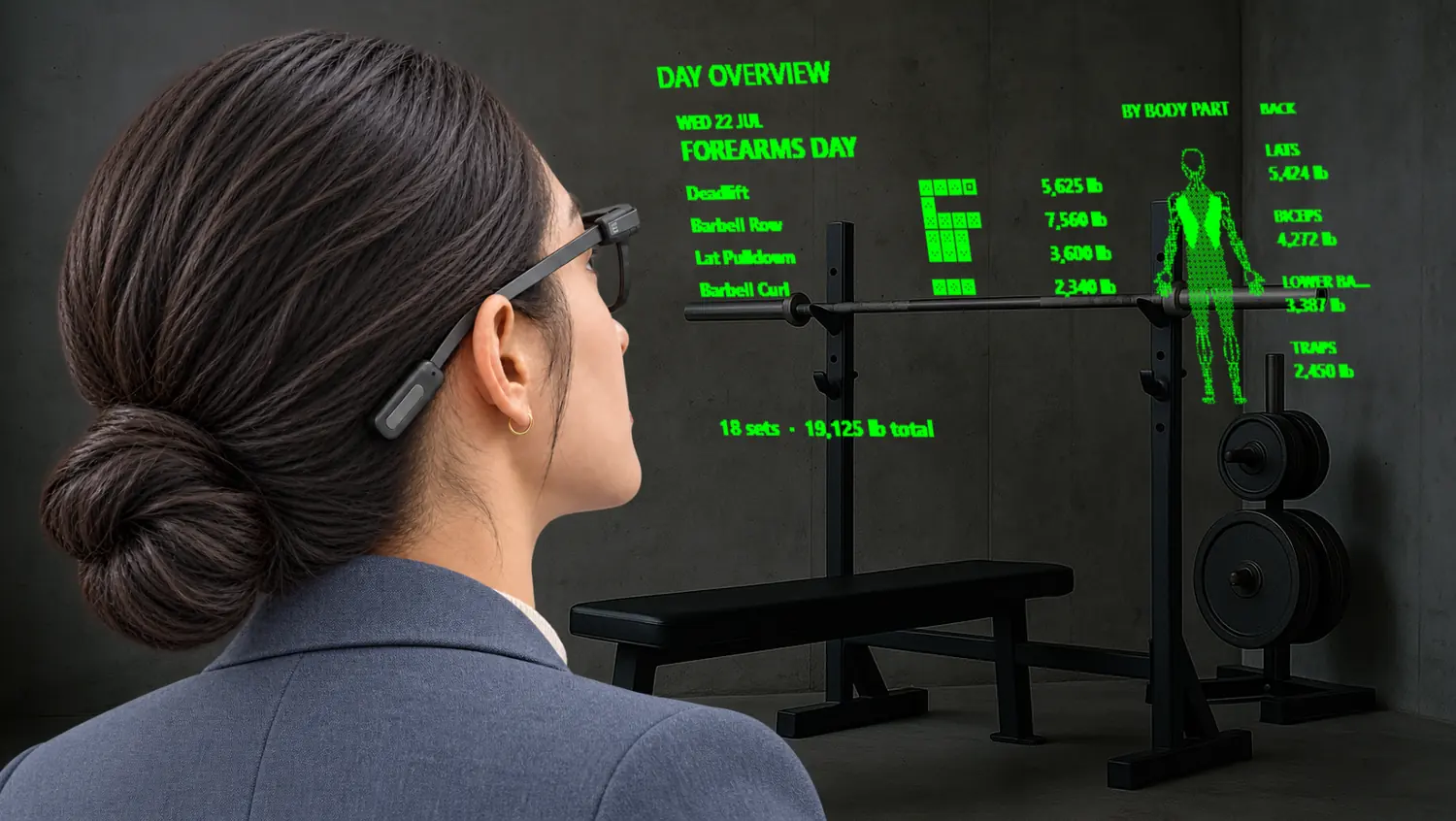
The day overview: every lift planned, with the volume by body part.
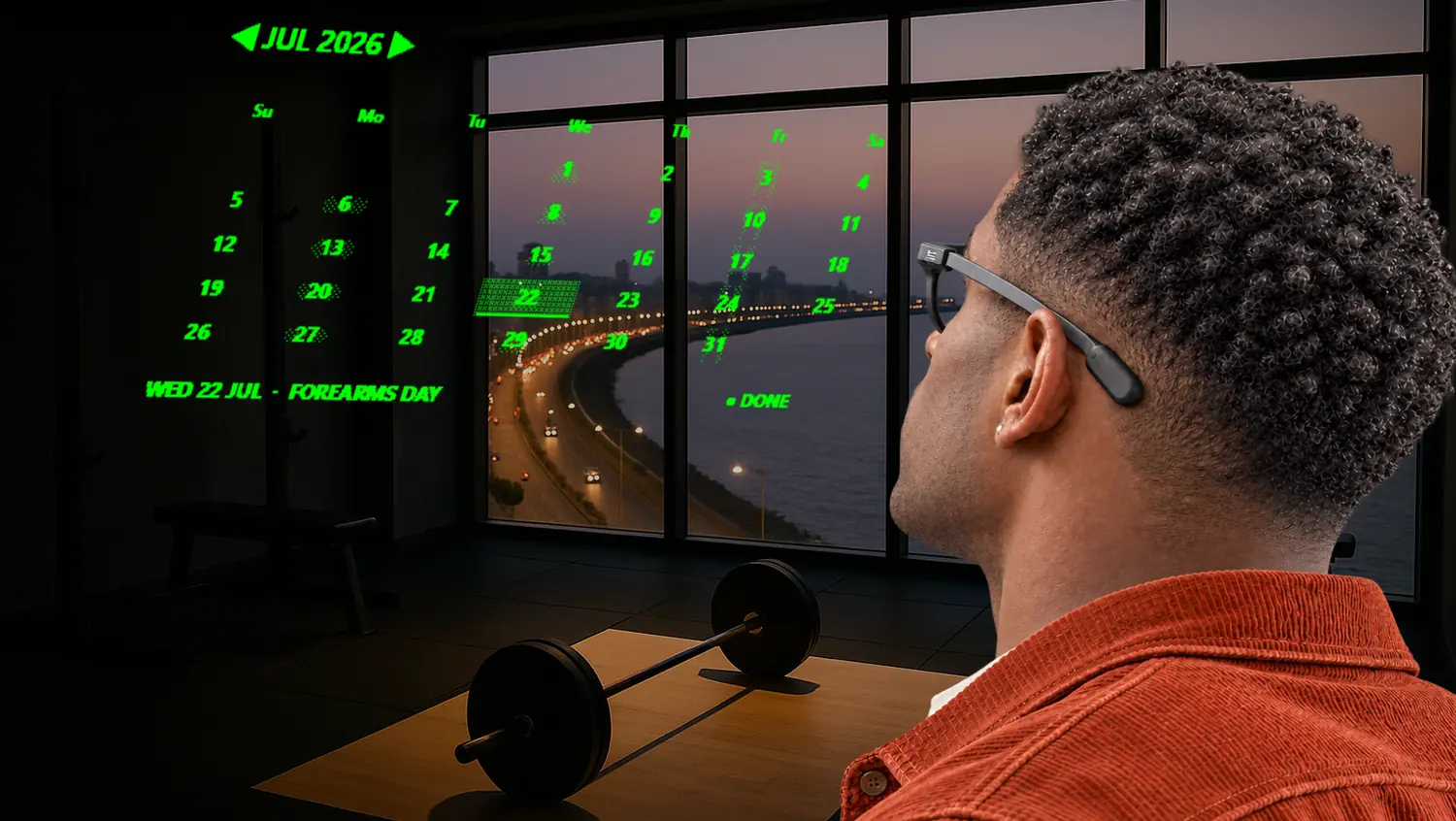 COMPOSITEMUMBAI
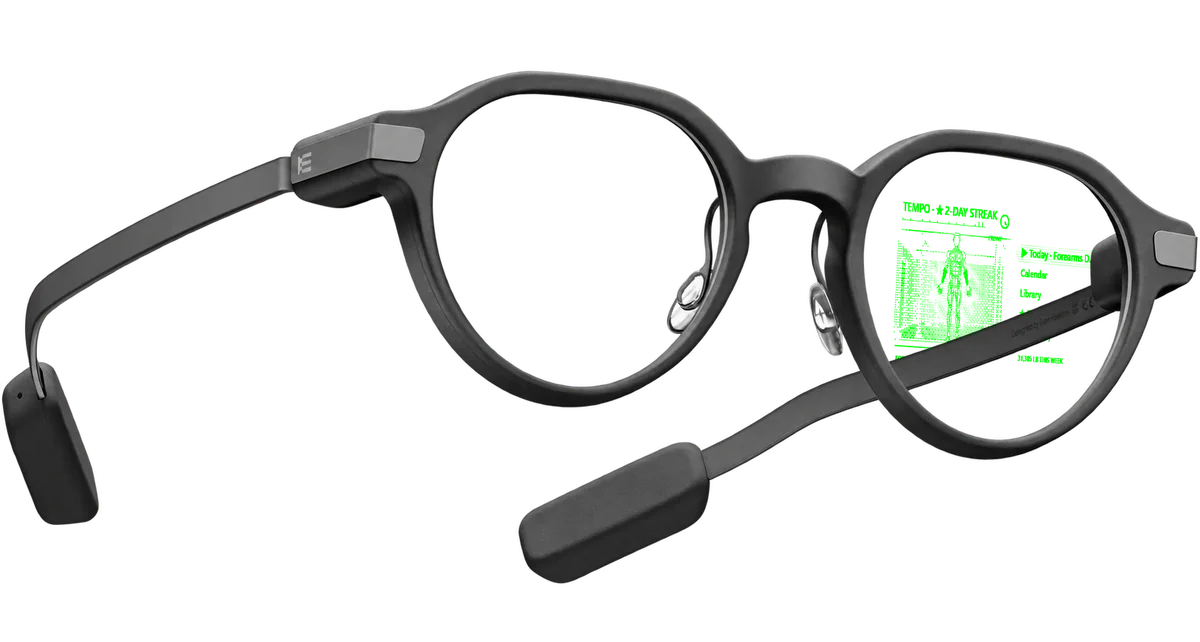
Your training calendar, a glance away between sets.
Nudge. Up or down moves the rest by 30 seconds.
A 3D model of the G2 wearing TEMPO's real screens, outside and on the side you look through. It turns as you scroll; drag it round, or choose a screen.

Today's plan: the lifts for Forearms Day and the volume each body part gets.
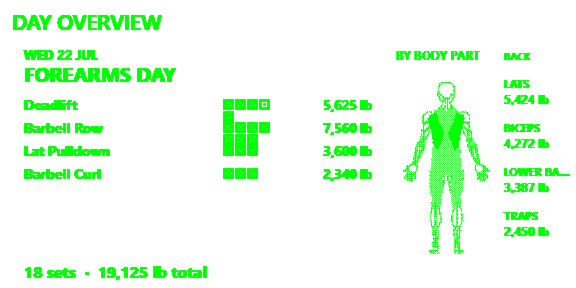
Next set, PR stars, plate math per side, calendar, day overview and history. Eight languages.
 COMPOSITE
 COMPOSITE
 COMPOSITE
ANDROID BETA · iOS SOON · ALSO IN YOUR BROWSER
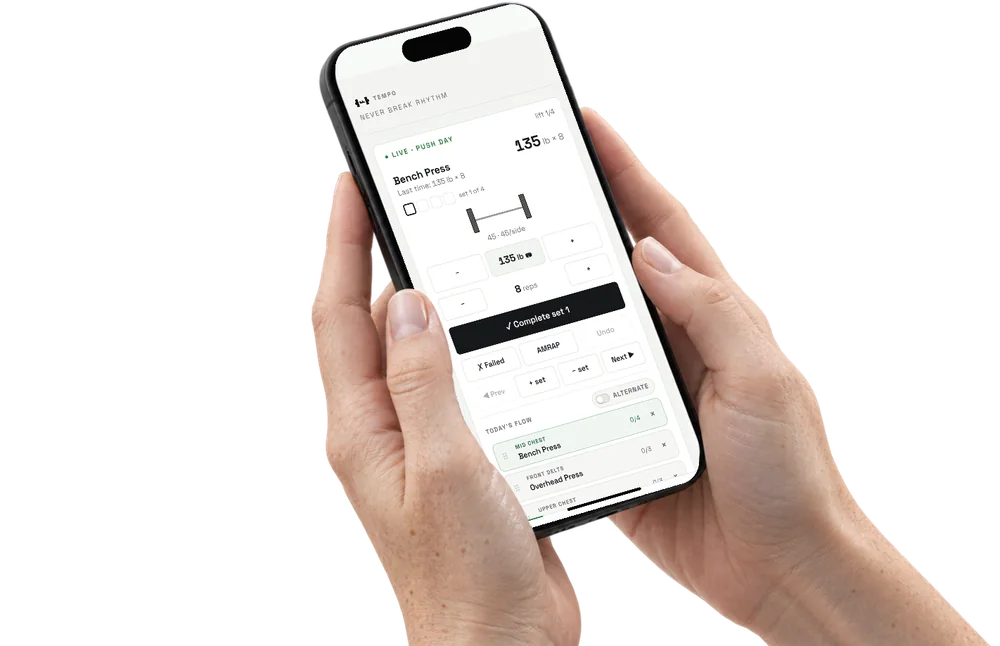
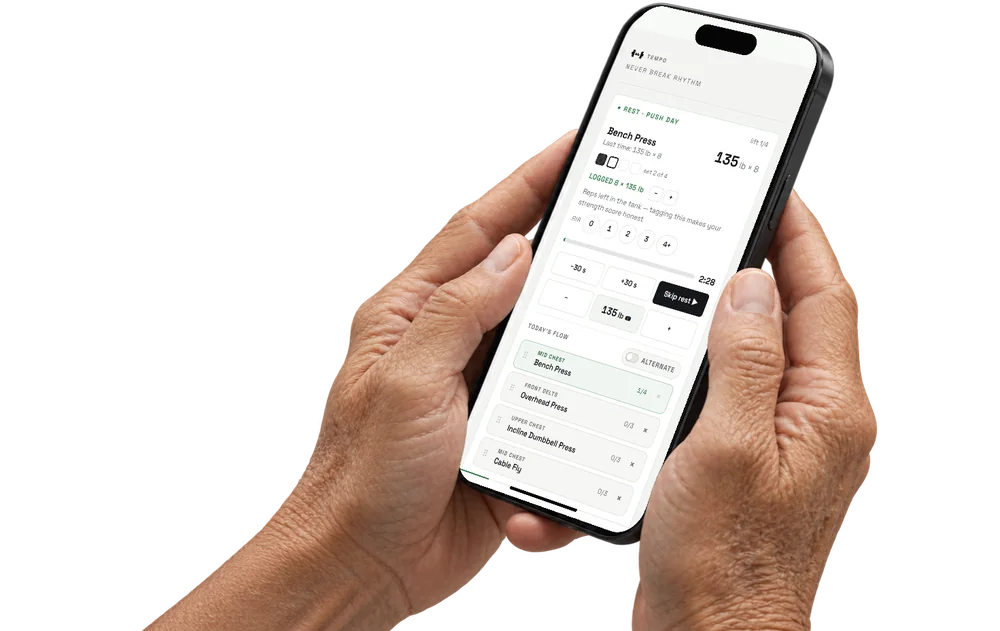
Build plans and schedules. Put them on your calendar. Use the body map, revisit your history and follow your progress.
COMPOSITE
Plans, schedules and a calendar for your training.
 COMPOSITE
Your training on the phone, with history and progress charts to return to.
 COMPOSITE
The rest clock on your phone.
Export a year or everything as one file. Imports merge, never overwrite. No account is required to train.
Join the Android beta ↗THE OPTIONAL AI TRAINER
COACH writes a program from what you tell it, places it on your calendar and talks to you on the glasses.
$4.99 a month. Optional. The free app stays whole without it.
Meet COACH ↗TEMPO ANVIL · HARDWARE · IN DEVELOPMENT
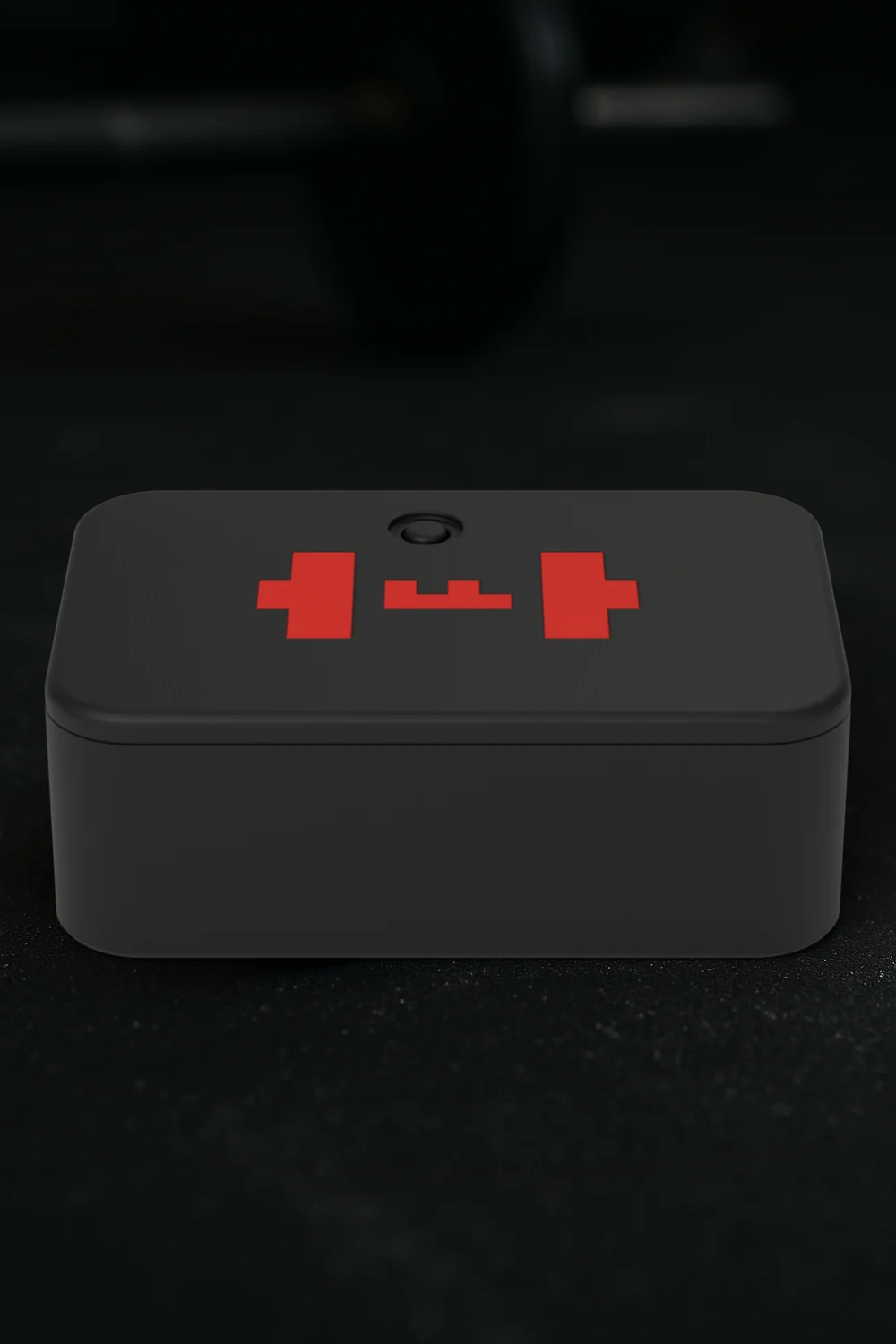
A small puck on the barbell sleeve. Every rep measured on the device itself.
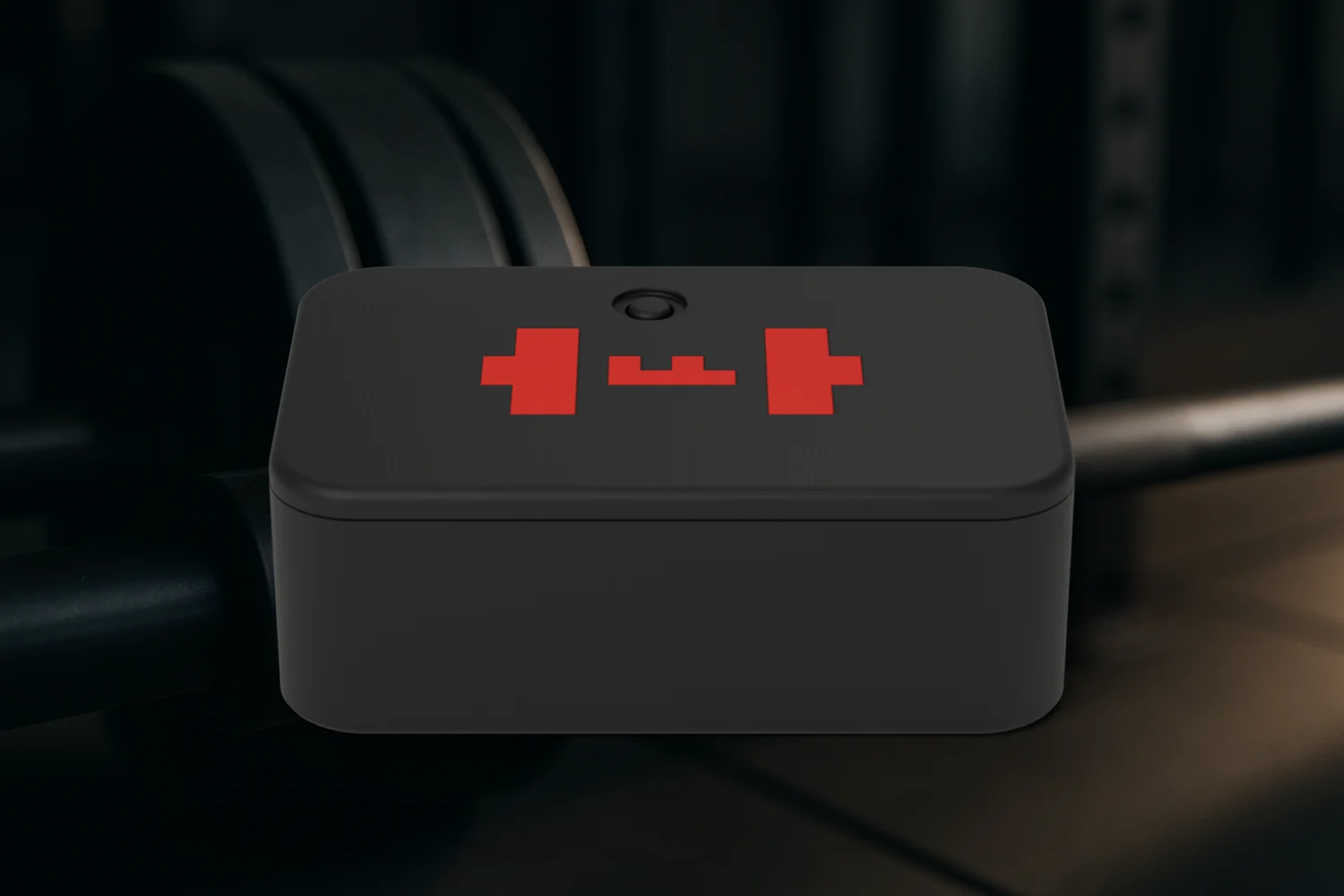 RENDER
Reps go to your phone over Bluetooth. When the phone is not there, they wait on the ANVIL and arrive when it is back.
In development. First run printed and assembled by hand.
Hold an ANVIL seat ↗WHEN A REP NEEDS ANOTHER LOOK
The bar spun, or the measurement drifted. The ANVIL marks that rep, and the app shows the mark instead of pretending.
THREE EXTERIOR PARTS
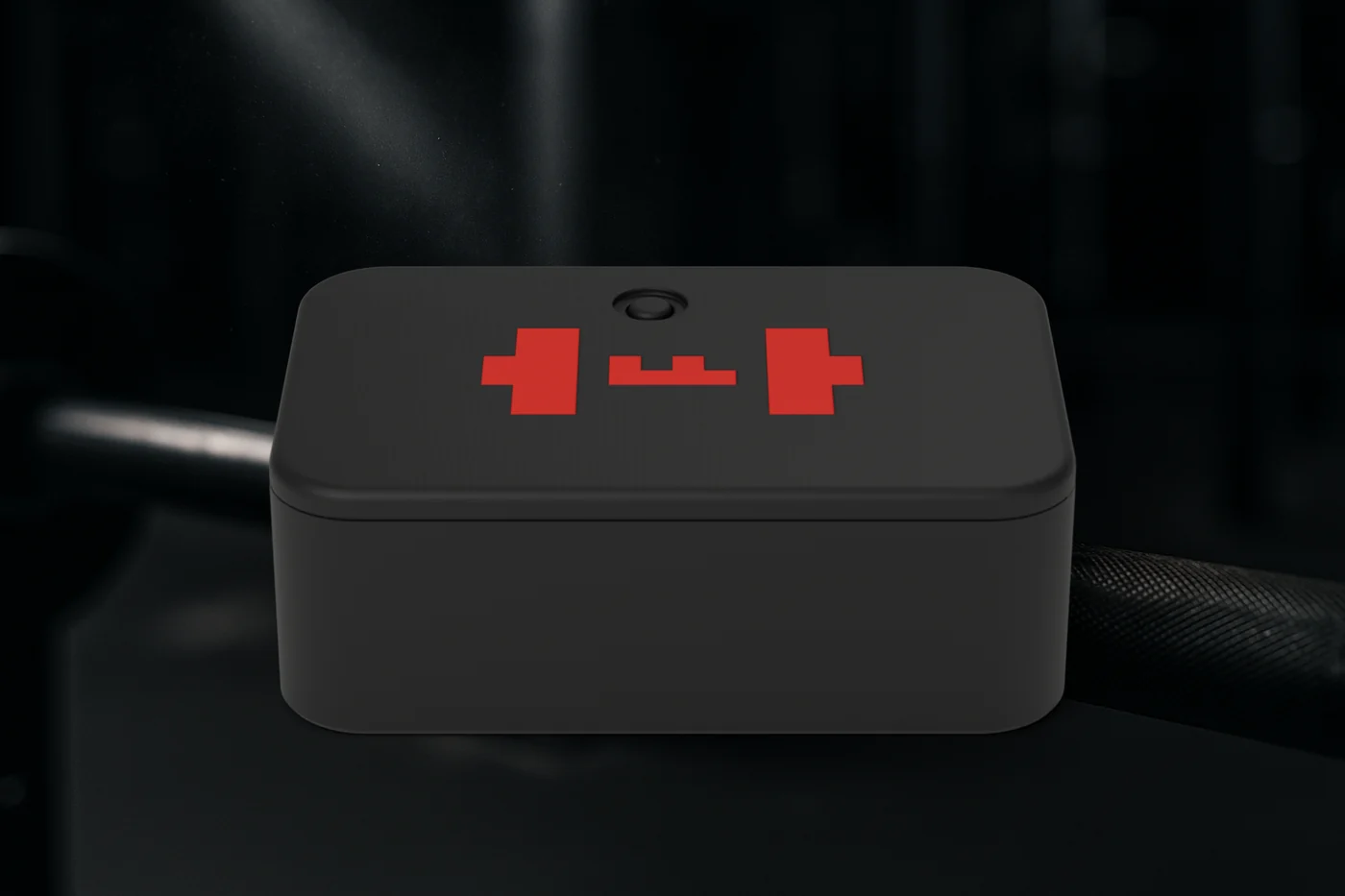 RENDER
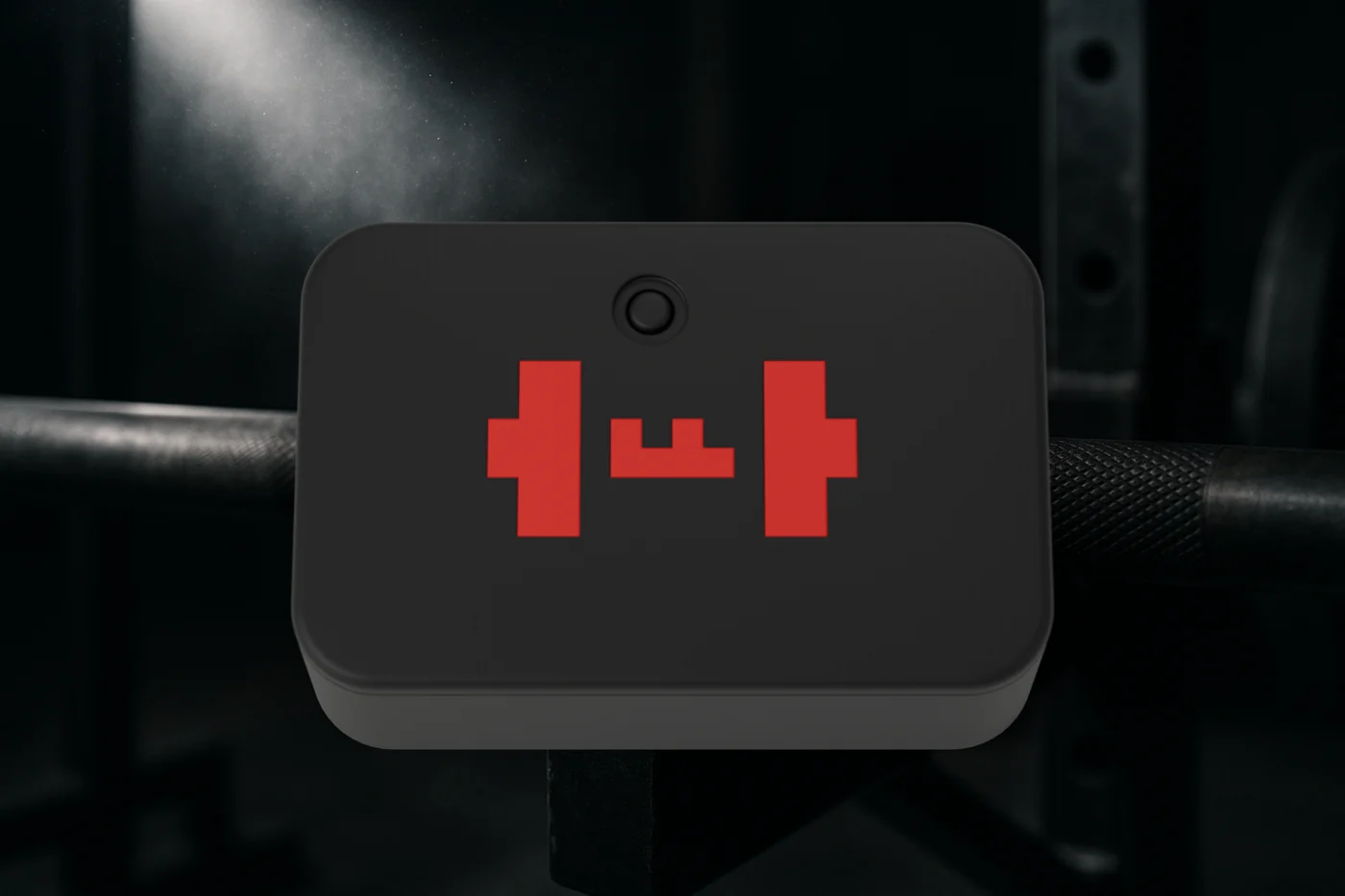
The black printed body of the ANVIL.
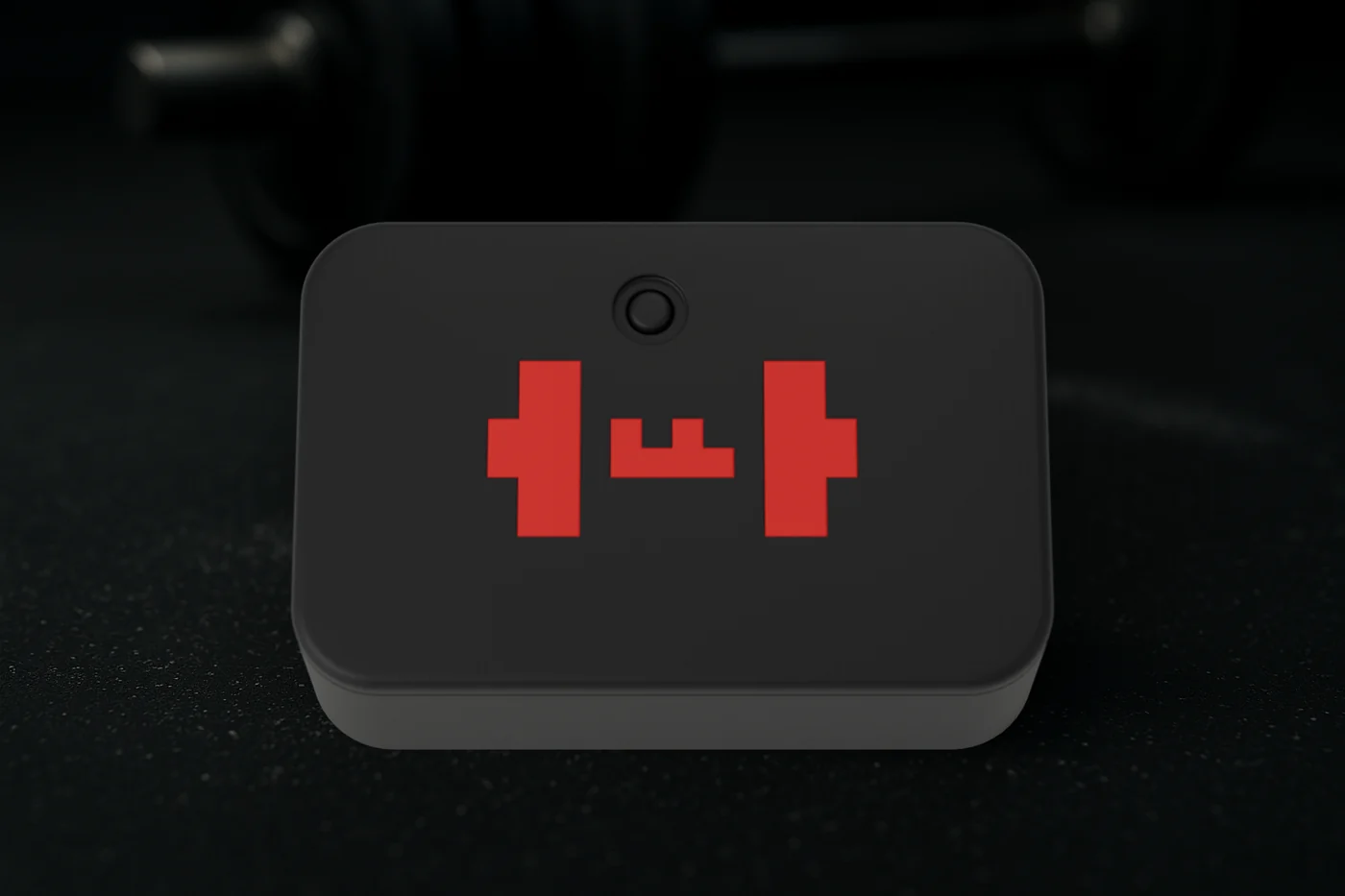 RENDER
Clicks shut and carries the flush red TEMPO mark.
 RENDER
One button on the device.
THE LOOP
 COMPOSITE
Lift the set in your plan.
COMPOSITE
One click on the temple logs the set and starts the rest clock.
COMPOSITE
Rest with the next set in view. Up or down nudges the clock by 30 seconds.
NEVER BREAK RHYTHM
 COMPOSITE
The plan in your periphery. A click logs the set.
COMPOSITE
Plans, calendar, body map, history and progress. Your data as a file.
RENDER
Every rep measured on the device. Hardware in development.
Already lifting with TEMPO? Sign in to pair your glasses with your account. Free, no subscription, and training never needs one. Create account · sign in ↗
Coach, creator, or gym owner? Become a beta tester ↗
IN DEVELOPMENT · VIRTUAL GYM
The phone films the set alongside the ANVIL’s data, runs hands free and marks the reps worth a look. In development.
TEMPO ANVIL · FIRST RELEASE · FEBRUARY 2027
Seats are for the first release, planned for the first week of February 2027. The first run is printed and assembled by hand.
 RENDER
Kickstarter pending
A seat, not a checkout. Leave an email and a phone number and you hear first when reservations open, on Kickstarter or directly. Nothing is charged to hold a seat.
Used only to reach you about your seat. Privacy. To change your number or leave the list, email ops@d3hospitality.com.
If a step moves the date, seat holders hear it first.
WANT TO KNOW MORE?
No. COACH is optional at $4.99 a month. It writes your program, puts it on your calendar and talks to you on the glasses. The free app stays whole without it.
Even Realities G2. TEMPO is live on Even Hub. The pages are drawn, not typed, and one click on the temple logs the set and starts the rest clock. TEMPO is an independent app for Even Realities G2.
Android is in beta. iOS is coming soon. TEMPO also runs in a browser. No account is required to train.
The ANVIL mounts on the barbell sleeve. It is in development; the first run is printed and assembled by hand.
The first release is planned for the first week of February 2027. Before then: FCC authorization for its Bluetooth radio, the SLS enclosure build, the first PCB order for the X4 board, and hand assembly with a bench check of every unit. If the date moves, seat holders hear it first.
It puts your email and phone number on the list for the first ANVIL release. Nothing is charged and there is nothing to cancel. The Kickstarter is pending; when reservations open, on Kickstarter or directly, seat holders get a message first and decide then. To leave the list, email ops@d3hospitality.com.
The ANVIL sends reps to your phone over Bluetooth. If your phone is not there, reps wait on the ANVIL until it is back.
You do, as a file. Export a year or everything as one file. Imports merge, never overwrite.
The people and gym backgrounds are generated composites. The green screens are real TEMPO glasses screens placed in perspective. Perspective images are marked COMPOSITE; renders are marked RENDER.